01
Notices what you forgot to book
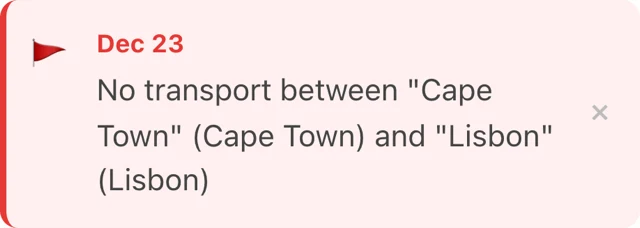
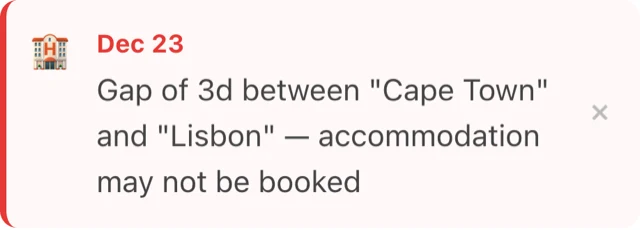
Two cities with no flight between them, nights with nowhere to stay, an end date you never set — Roam lists them before they turn into a problem at the airport.

For people who spend more than a few weeks a year on the road. Cities, flights and voyages line up into one timeline — and Roam warns you when a flight or a hotel is missing.
Coming soon to theApp StoreFree, no subscription. In English and Russian.

Real screens of the iPhone app · demo data
Two cities with no flight between them, nights with nowhere to stay, an end date you never set — Roam lists them before they turn into a problem at the airport.
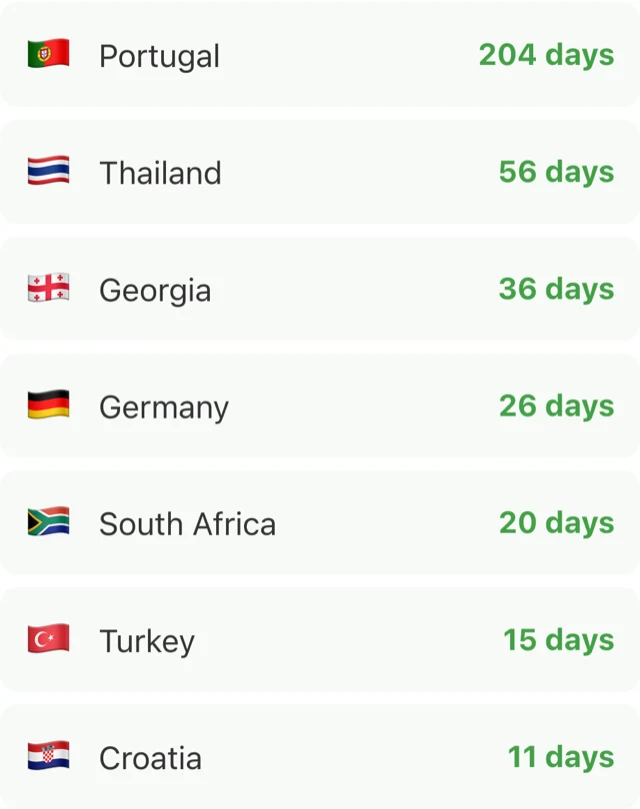
For the selected year, straight from the places in your calendar.
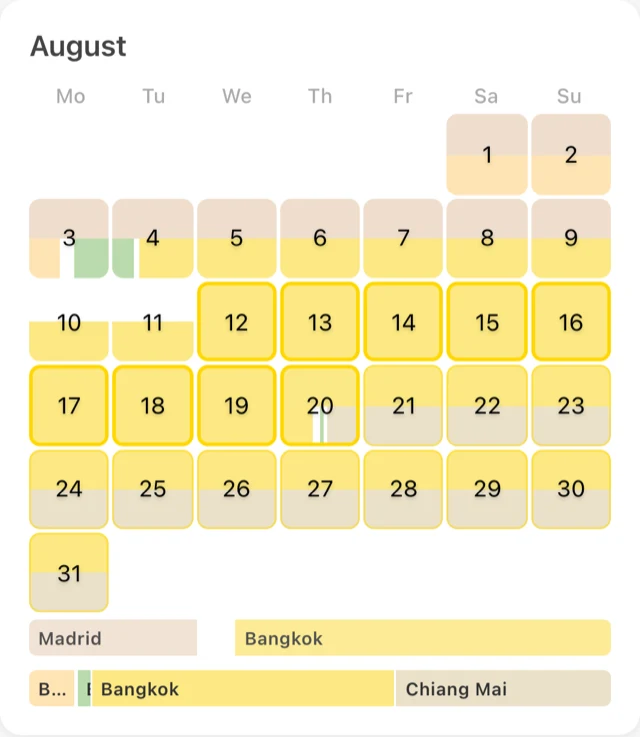
Invite a friend and see both routes on one calendar. Days you are in the same city or country are outlined.
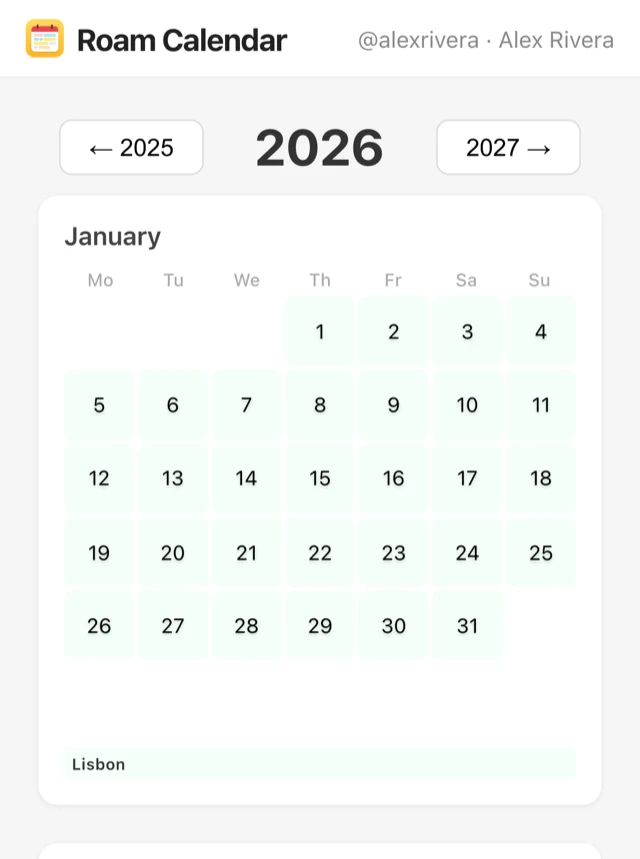
Publish your calendar at roamcalendar.app/your-name: cities and dates, without addresses, flight numbers or times.
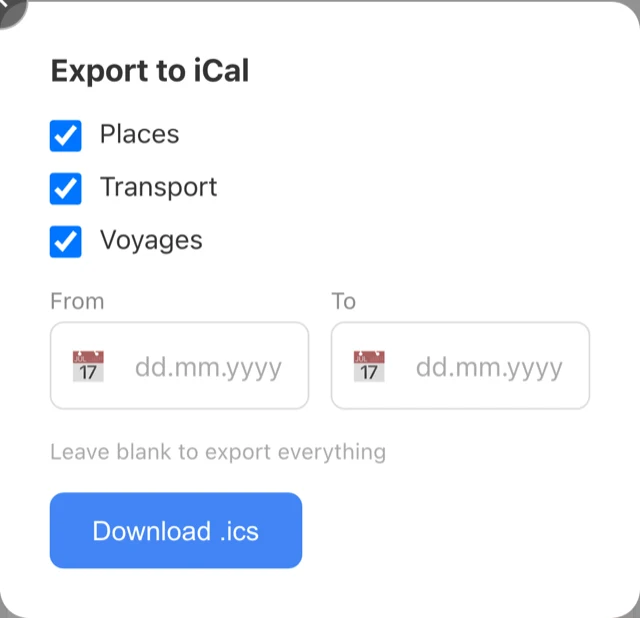
Download an .ics file with the trip types and dates you pick, and open it in Google Calendar, Apple Calendar or Outlook.
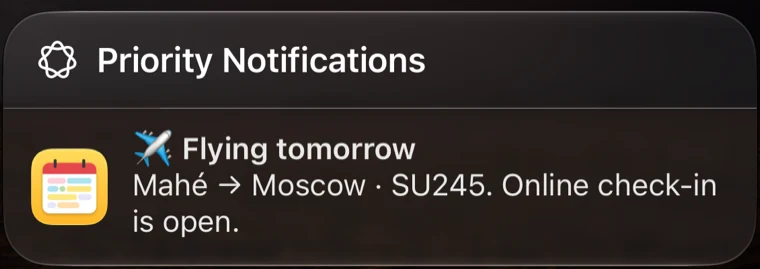
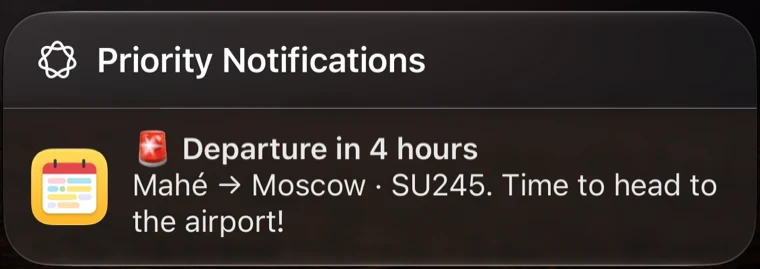
A notification on your iPhone 24 hours and 4 hours before departure. If the airline moves the flight, the card offers to update the times.
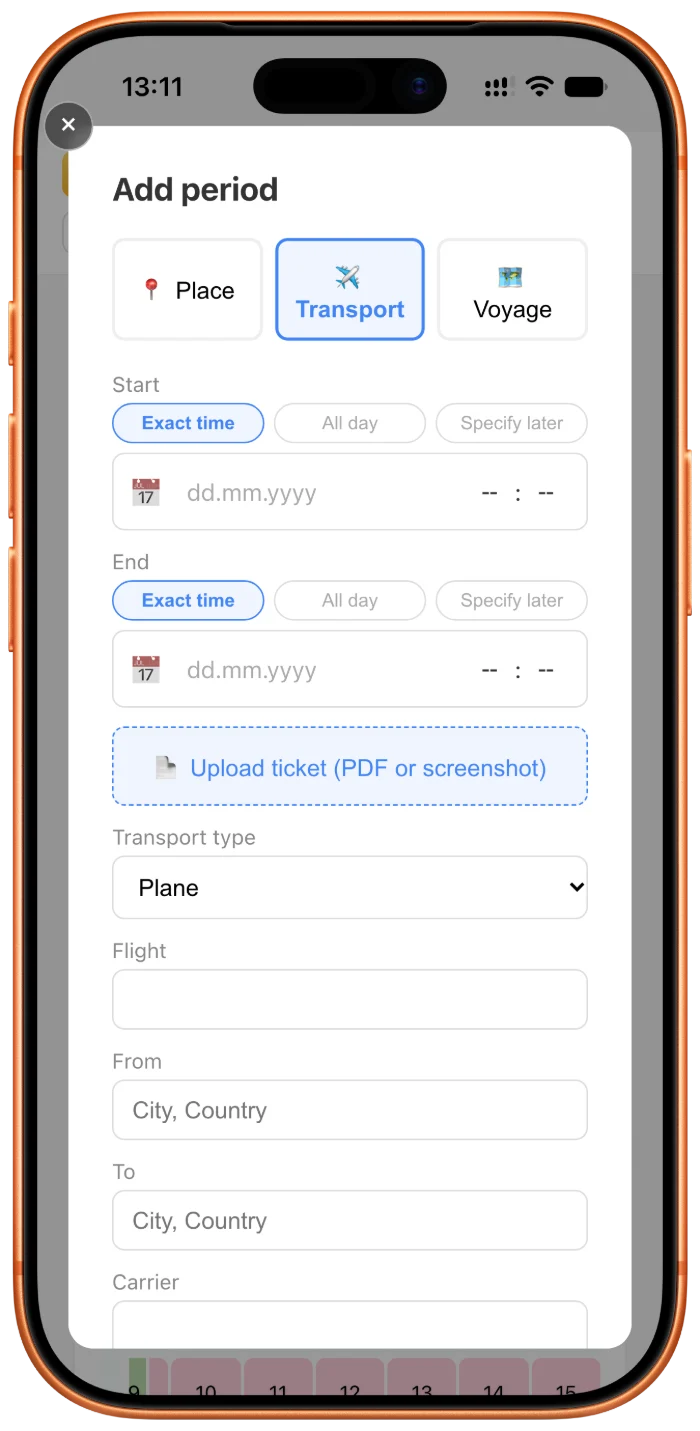
Upload a PDF or a screenshot of a plane ticket or a hotel booking: Roam fills in the dates, times, route or address. For a flight, the flight number is enough.
PDF · screenshot · flight number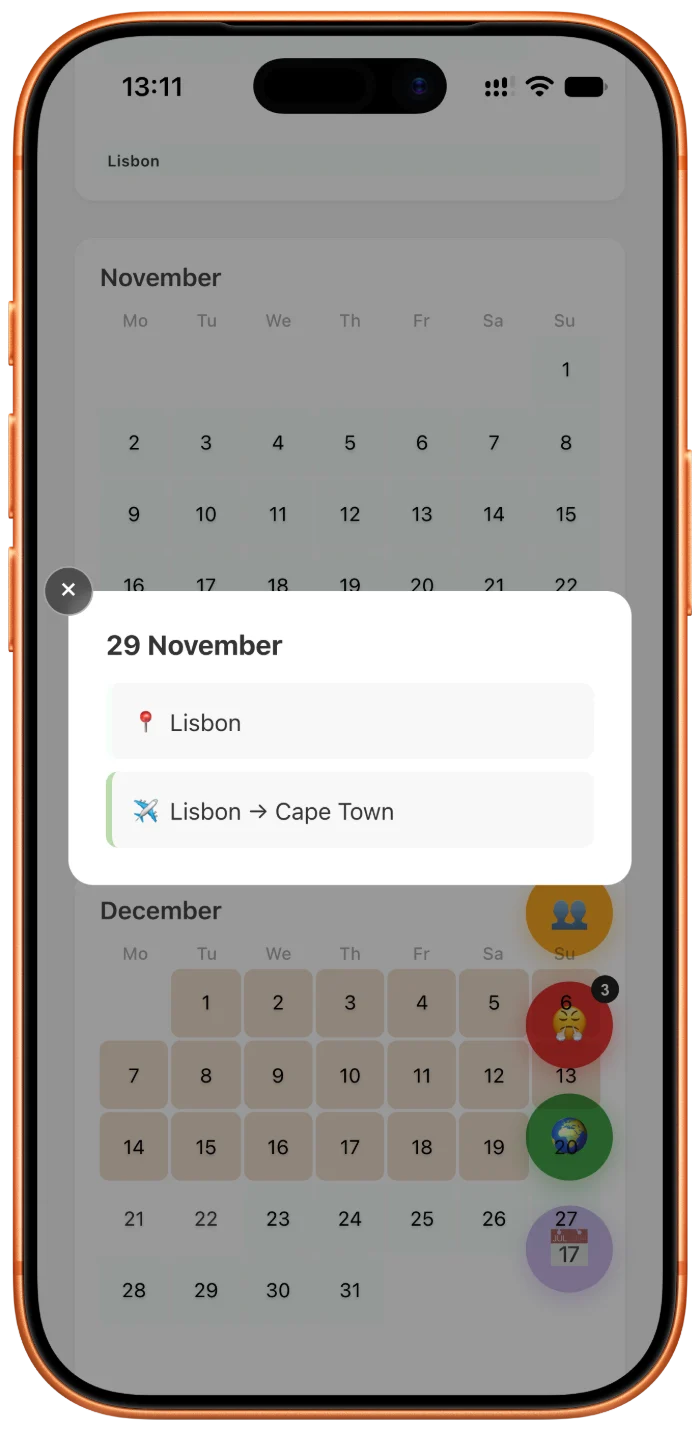
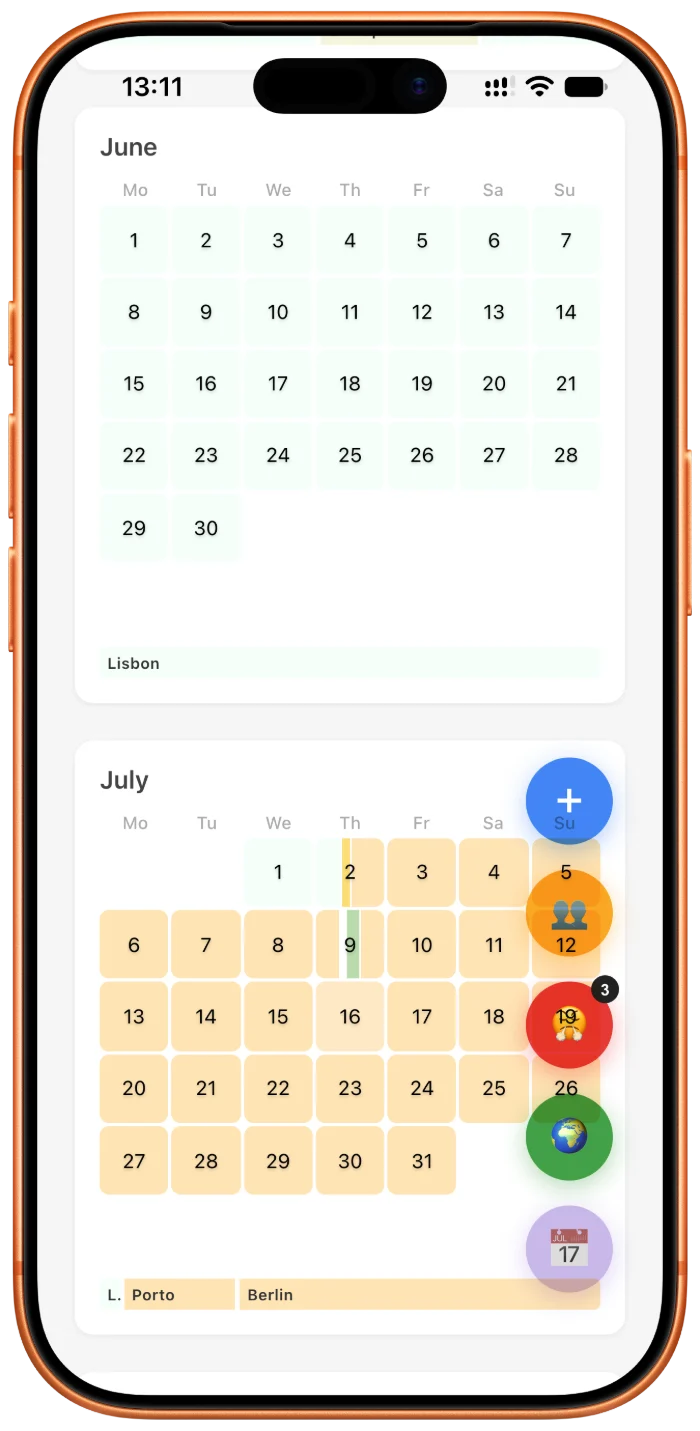
Places, transport and voyages line up month by month, each city in its own colour. Tap a day to see every trip on it.
Places · transport · voyages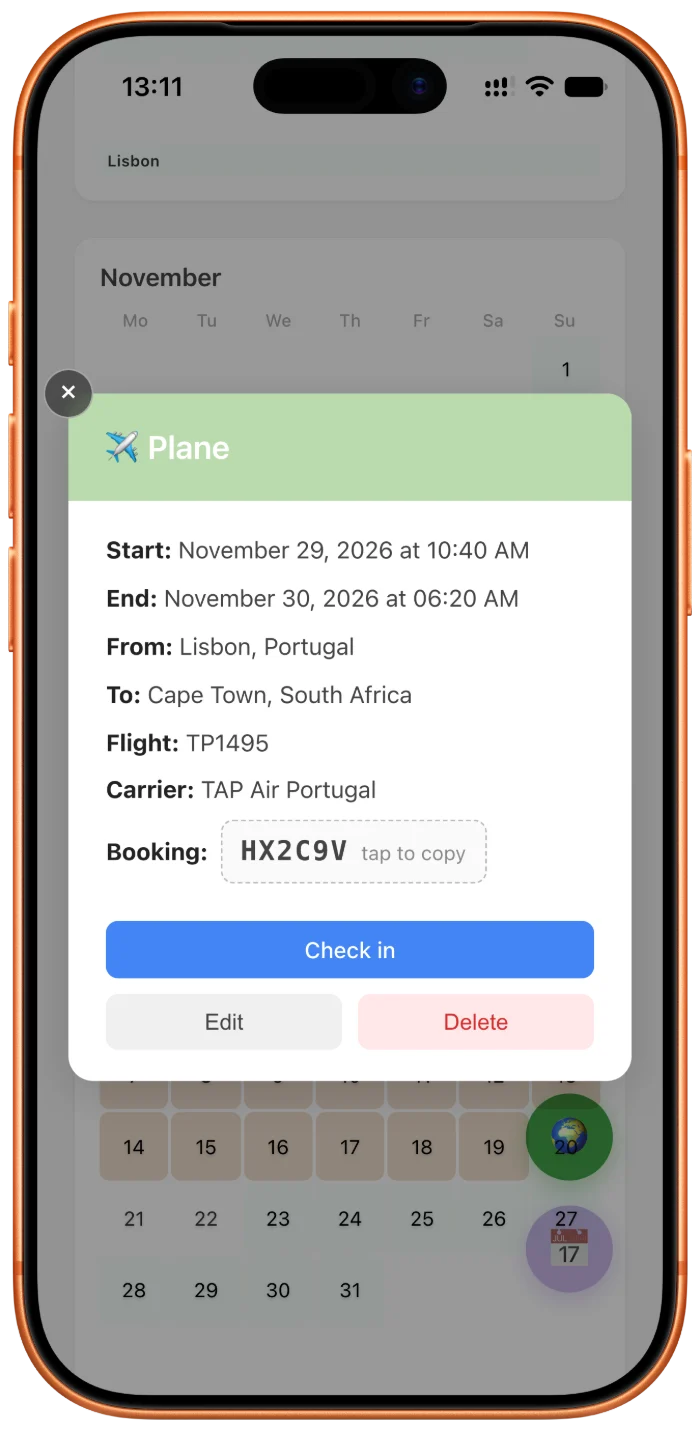
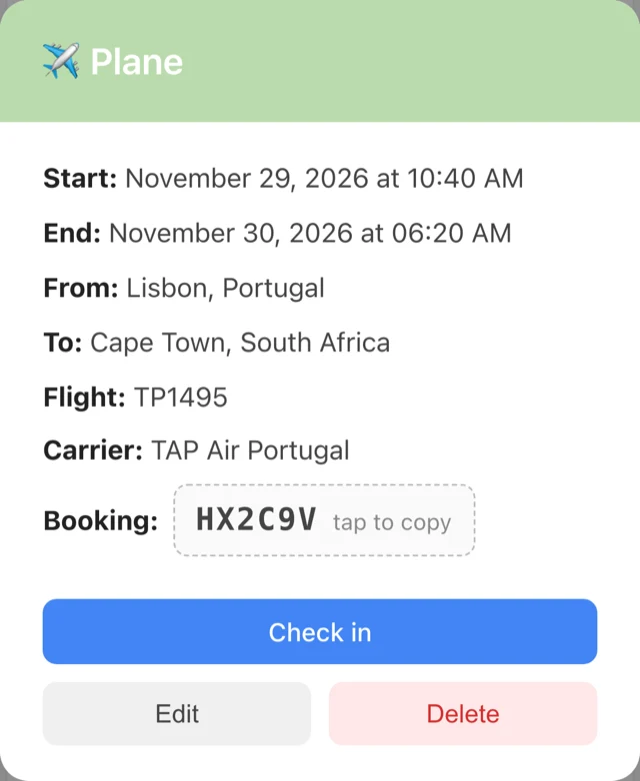
Every trip has its card: times, route, carrier. The booking code copies with a tap, and the flight card links to the airline's online check-in.
Works without internet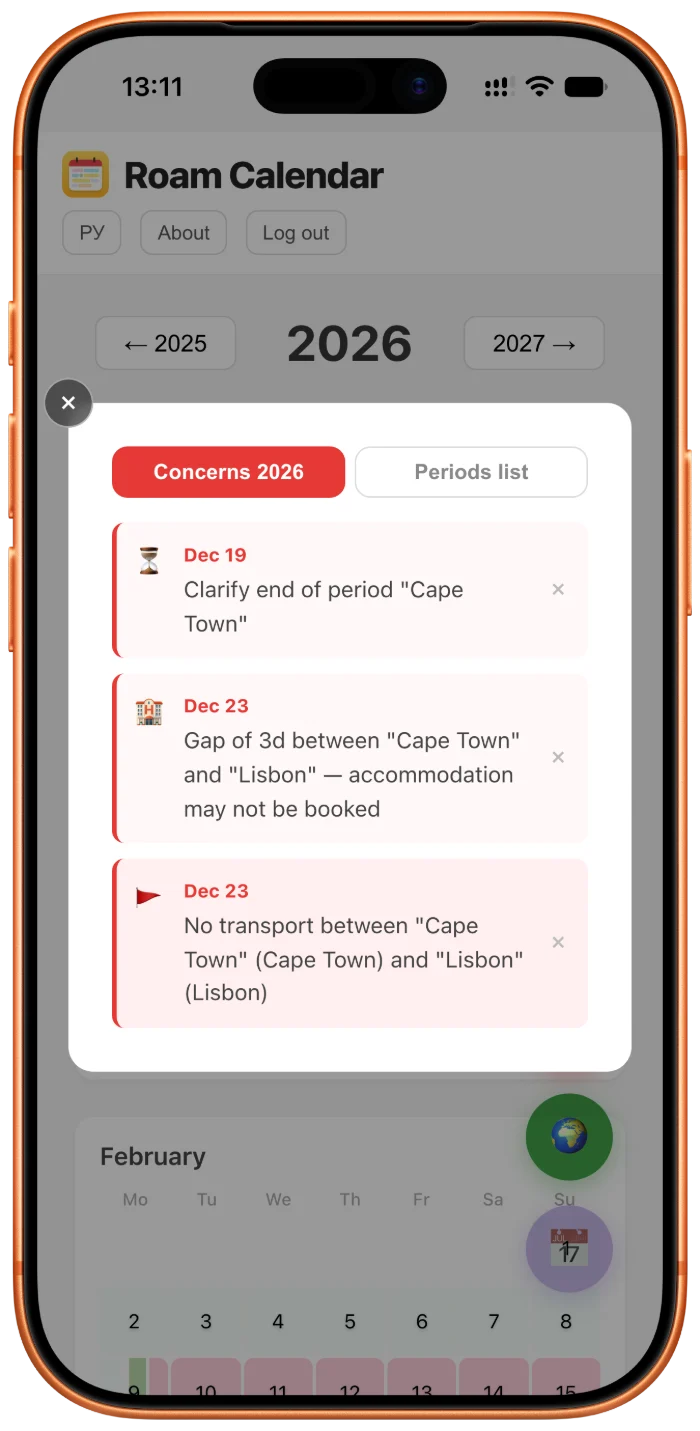
One list for the whole year: dates to clarify, gaps between stays and legs with no transport. Fix it — and the warning disappears.
Checks the year as a wholeEvery feature on this page is in the free app. Nothing to unlock later.
Coming soon to theApp StoreAfter you tap
Roam Calendar is a travel calendar for iPhone for people who spend more than a few weeks a year on the road. It lays out places, flights, trains and voyages on one timeline for the whole year, scans tickets and bookings from a PDF or screenshot, flags missing flights or hotels and counts days spent in each country.
Nothing. The iPhone app is free, with no subscription, in-app purchases or Pro plan.
A regular calendar mixes trips with meetings and shows a week at a time. Roam keeps only your travels, shows the whole year, checks the route for gaps and counts days by country. You can still send everything to Google Calendar with an .ics file.
Only you. A friend sees your route after you both accept an invite. A public calendar shows only the trip types you pick, and you can take it down at any moment.
From the places in your calendar for the selected year. It's a planning aid for visas and tax residency, not legal or tax advice.
Yes, in the browser at roamcalendar.app/my. Sign in with the same account and you'll see the same calendar.
Places (city and address), transport (plane, train, bus, car, ferry) and voyages: tours, sailing, hikes, cruises and expeditions.
Roam Calendar is made by Anna Sinitsyna, who designed both the app and this site. Questions and ideas go straight to her on Telegram.
In the app: About → Delete account. Your trips, friend connections and public calendar are deleted for good.
Install Roam, sign in, add one trip — the rest of the year fills in as you book.
Coming soon to theApp Store